Help With Your Order
Note: All images and accompanying information are for illustrative purposes only and do not represent actual products or details.
What is the status of my order?
- Log in to your PrimaryArms.com account.
- Select "Welcome, [Your Name]" in the top-right corner.
- Navigate to "Purchases."
- Click on "Purchase History."
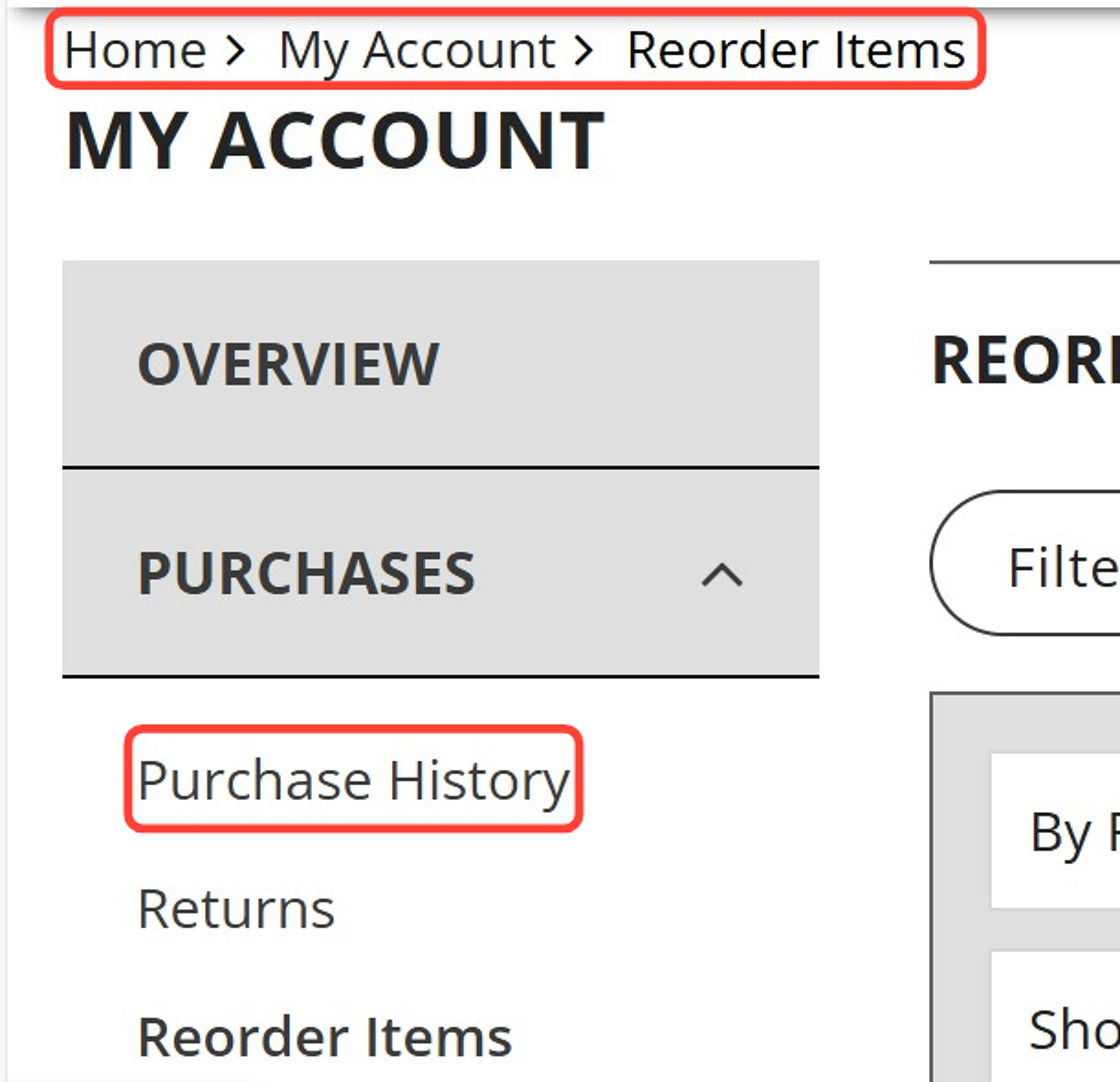
- Locate the order number in question by checking the "Purchase No." column. Under "Status," you'll see the current progress of your order.
Order Status Definitions:
.png)
I haven't received my order. Is it lost? How can I track my order?
To check the status of your order:
- Log in to your PrimaryArms.com account.
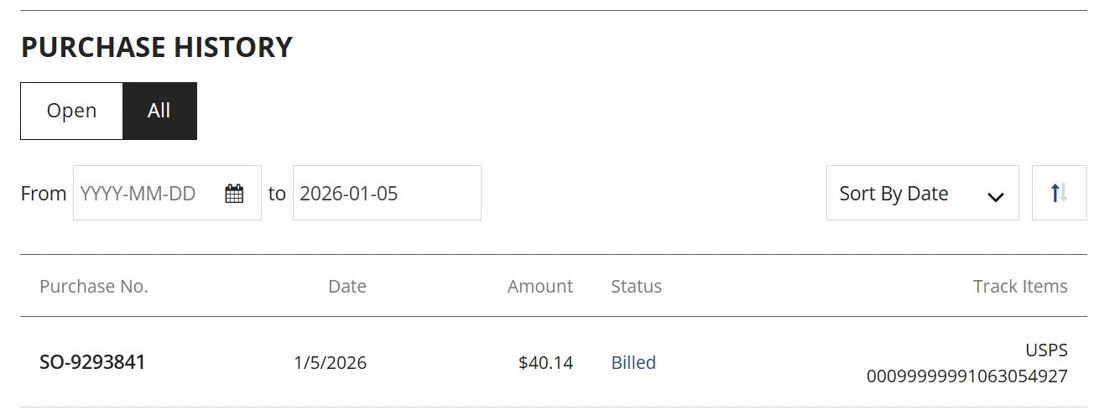
- Go to "Purchases" and click "Purchase History."
- Look for the order in question and check if it has been Billed.
- If it has, you'll find the tracking number listed under "Track Items."
Need help?
If there's no tracking number yet, feel free to reach out—we'll be happy to check the status for you.
If a tracking number is listed but there are no recent updates, or it shows as delivered but you haven't received the package, contact us and we'll work with the carrier to resolve the issue.
How can I cancel my order?
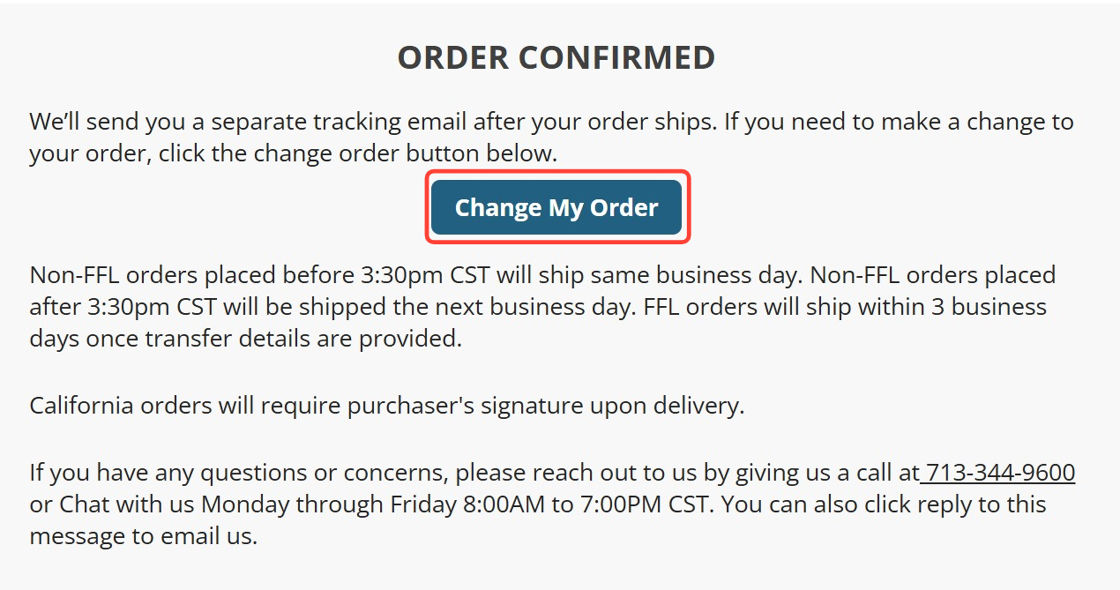
- Open the Order Confirmation email you received after placing your order.
- Can't find it? Be sure to check your spam or promotions folder.
- Click the "Change My Order" button in the email.
This will place your order on hold and prompt our Customer Service team to contact you by phone and/or email.
Important:
- Order cancellations are only possible before an order has been billed. Once an order has been billed, a return request must be submitted instead.
- Once your order is on hold, you can also contact us directly by email or phone to confirm the cancellation.
If you encounter any difficulties or require further assistance:
- Call us at 713-344-9600 and a representative will be happy to assist you.
- Alternatively, you may email us at info@primaryarms.com with "Cancel My Order" in the subject line.
We are available Monday through Friday from 8:00 AM to 7:00 PM Central Standard Time
How can I add or remove items from my order?
- Open the Order Confirmation email you received after placing your order.
- Can't find it? Check your spam or promotions folder.
- Click the "Change My Order" button.
This will place your order on hold and notify our Customer Service team to follow up with you via phone and email as soon as possible.
Once your order is on hold, you can contact us with the details:
- Email: Send us a message at info@primaryarms.com with the order number and the SKU(s) or MPN(s) of the items you want to add or remove.
- Phone: Call us at 713-344-9600 and provide the order number along with the SKU(s) or MPN(s) of the items you'd like to change.
Tip: For a quicker process, you can also add the items to your cart and let us know you're requesting to add those specific products.
How can I start a return?
- Navigate to the bottom of our website
- In the "NEED HELP" section, click on "Return Policy."
- Read through the Return Policy.
- At the bottom of the page, click "Click Here to Request a Return."
- Fill out all required information on the return request form.
Once submitted, your return will be entered into our system. We will provide you with the RA (Return Authorization) number and instructions on how to ship it back.
